Your tools should talk to each other. We make them.
Every hour your team spends copying data between apps is an hour a well-built automation does for free. We design, build, and fix the workflows that connect your entire business.
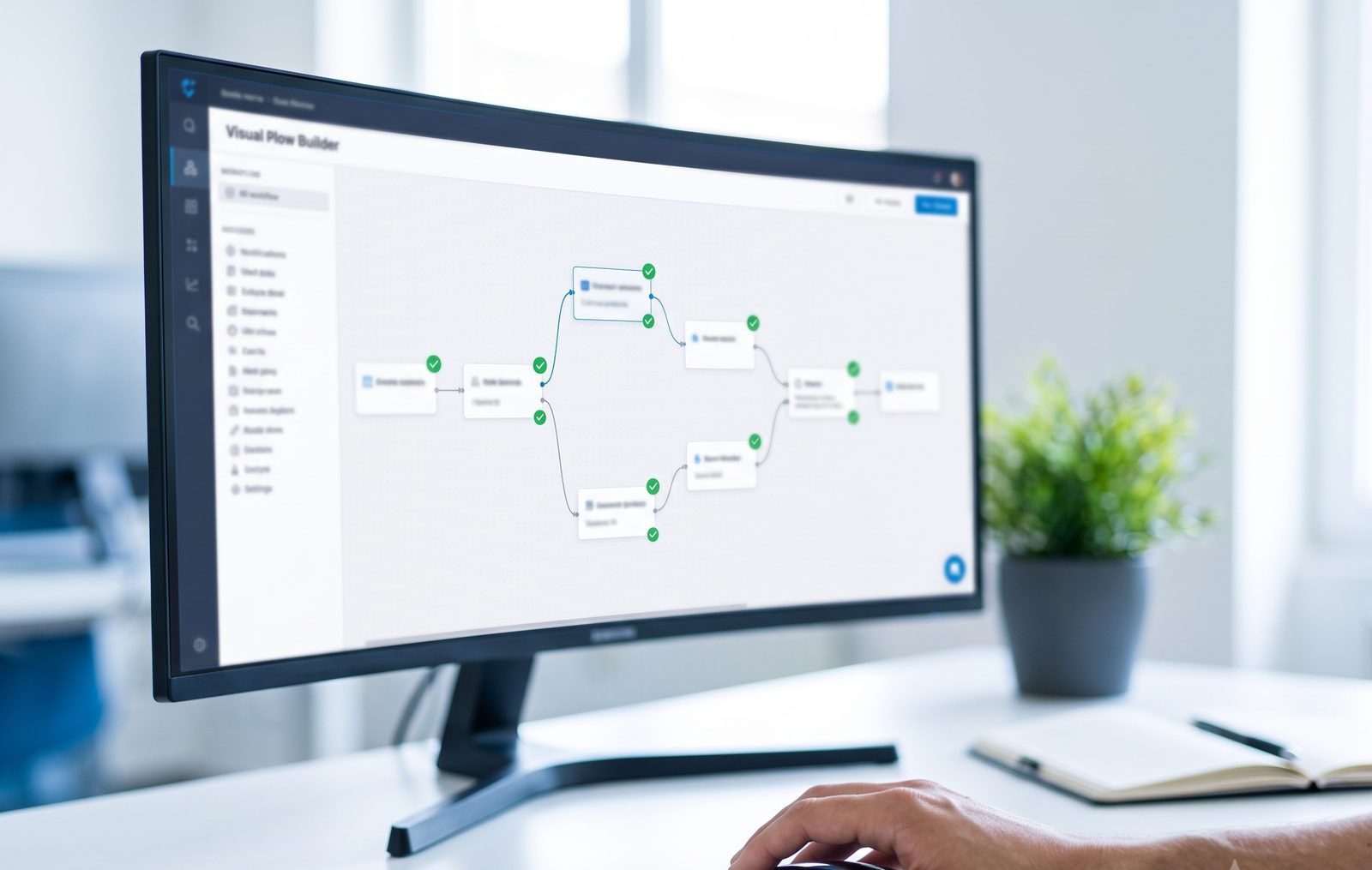
Five ways we automate your operations
Make.com Automation
Powerful visual scenarios for complex, multi-step workflows: routing, filtering, transforming, and syncing data across dozens of tools, built clean and fully documented.
Zapier Automation
The fastest path from "we do this by hand" to "it does itself." Reliable Zaps for the everyday connections that save the most time with the least setup.
n8n Automation
Self-hosted automation for teams that want unlimited runs without per-task fees, full data control, and custom code steps when standard tools hit their limits.
GoHighLevel Systems
Full GHL buildouts for agencies and local businesses: funnels, calendars, pipelines, SmartPlans, review automation, and follow-up sequences that never forget a lead.
Business Process Automation
Not sure what to automate? We map your operations end to end, find where hours leak, and rebuild those processes as systems, tool choice comes second, your process comes first.
You need automation if...
- New leads get typed by hand into two or three different tools
- Follow-ups depend on someone remembering to send them
- Reports take a full afternoon to assemble every week
- An automation someone built last year keeps breaking silently
- Your team's answer to "how do we do this?" is a 12-step manual checklist
What this looks like in practice
The lead that routes itself
A form submission instantly creates a CRM contact, assigns the right salesperson, sends a personalized welcome email, notifies the team channel, and books a follow-up task, in under ten seconds, with zero typing.
The invoice chase that never sleeps
Unpaid invoices trigger polite reminder sequences on schedule, update the accounting sheet, and flag only the truly stuck ones for a human call.
The client onboarding on rails
The moment a proposal is signed, folders get created, kickoff emails go out, the project board fills with tasks, and the calendar invite lands, every client onboarded identically, nothing forgotten.
How an automation project runs
Map the manual work
We list what's done by hand, how often, and what it costs in hours, the biggest saving goes first.
Choose the right platform
Make, Zapier, n8n, or GHL, chosen for your volume, budget, and complexity, not our preference.
Build with safety nets
Error alerts, retry logic, and logs included, so failures announce themselves instead of hiding for weeks.
Document and hand over
You get plain-English documentation of every workflow, your automation shouldn't be a black box.
Automation questions, answered honestly
Zapier is fastest to build and easiest to maintain, ideal for simple connections. Make handles complex multi-step logic at lower cost per operation. n8n wins at high volume since self-hosting removes per-task fees. We recommend based on your workflows, and we'll tell you if the cheaper option covers you.
Yes, it's a big part of our work. We audit what exists, fix what's worth keeping, rebuild what isn't, and document everything so you're never lost again.
Our builds include error notifications and retry steps, so you know immediately, not weeks later. Broken silently is the worst kind of broken, we design against it.
Platform costs depend on volume. We optimize scenarios to use fewer operations, and when volume gets high enough, we'll suggest moving to n8n where runs are effectively free. Cost-efficiency is part of the build, not an afterthought.
Simple connections: days. A full multi-workflow buildout or GHL system: 1-3 weeks typically. You'll get a precise timeline in your written plan first.
What's eating your team's hours?
Tell us your most annoying manual task. On a free call, we'll tell you exactly how we'd automate it, and what it would take.